Deep Rock Galactic Nucleus Co-Op Guide
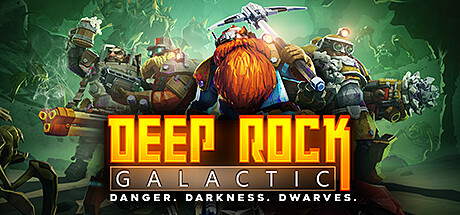
Deep Rock Galactic split-screen with Nucleus Co-Op lets 2-4 players mine, fight bugs, and complete missions together on a single PC. Rock and Stone!
Get game setup in NucleusRequirements
How to Set Up Deep Rock Galactic Split-Screen
Deep Rock Galactic has an excellent Nucleus handler with good 4-player support.
- 1.
Install game setup
Search 'Deep Rock Galactic' in Nucleus and install. Point to FSD-Win64-Shipping.exe in your Steam folder.
- 2.
Assign Controllers
Assign controllers. DRG has great native controller support.
- 3.
Host Mission
Click Play. In the first instance, host a session. In second, join via Steam friends or LAN.
Tips
All DRG mission types — Mining, Escort, Salvage, Elimination, Refinery — work in split-screen.
Player assignments and cosmetics are independent per instance.
The Space Rig and all between-mission activities also work in multiplayer mode.
Common Issues
DRG second instance gets stuck on loading screen +
About Deep Rock Galactic Split-Screen
Deep Rock Galactic is a cooperative mining shooter from Ghost Ship Games, set in procedurally generated caves on alien planets. Its 1-4 player co-op is central to the experience.
The Nucleus handler for DRG is well-maintained and supports the full game including seasonal content and updates. The game's UE4 engine runs efficiently, making 4-player split-screen viable on most gaming PCs.
All four playable classes — Driller, Scout, Engineer, Gunner — are available independently per split-screen instance, allowing a full team composition in local play.
Deep Rock Galactic is one of the highest-rated co-op games on Steam and is regularly cited by the Nucleus community as one of the best split-screen experiences available through the tool.